Import your class schedule screenshot and MySched builds an organized timetable, then tracks attendance, assignments, exams, and your GWA. Works offline, no account needed.
26,000+ students at these schools use MySched
Plan your college term
Schedule
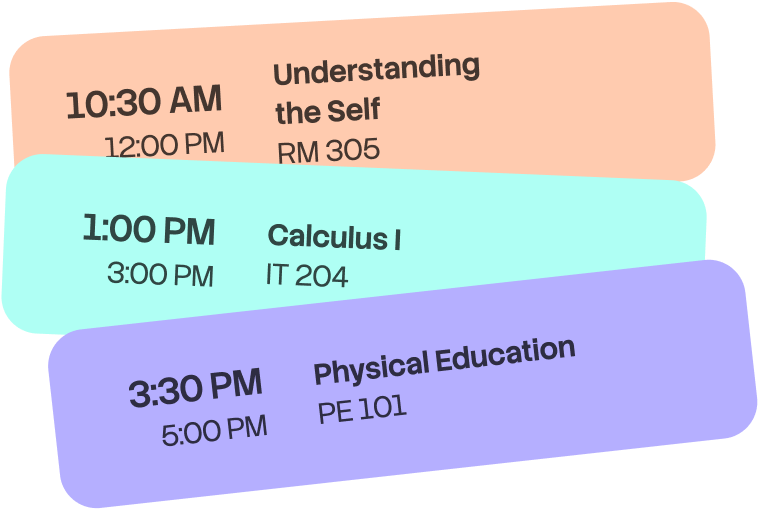
Every class, with its room and time.
Attendance
Check in and watch your percentage.
Tasks
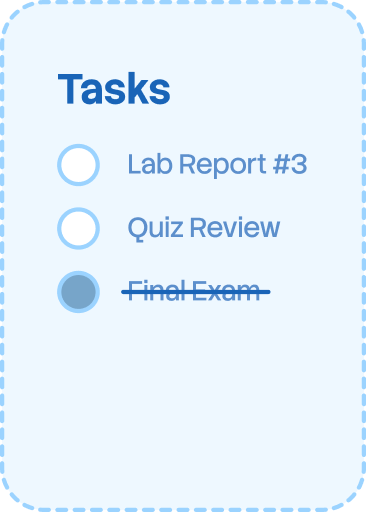
Deadlines grouped by class.
Exams
Midterms and finals, with dates.
Grades
Track your grades and GWA through the term.
Study Plan
Fit study blocks into your free time.
Schedule
Every class, with its room and time.
Attendance
Check in and watch your percentage.
Tasks
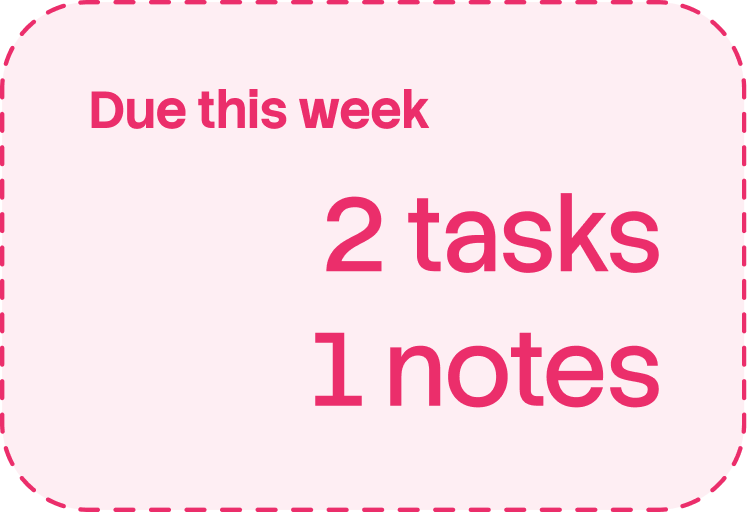
Deadlines grouped by class.
Exams
Midterms and finals, with dates.
Grades
Track your grades and GWA through the term.
Study Plan
Fit study blocks into your free time.
Reminders
Set a notification before class.
Widgets
14 ways to check your day.
Class alerts
Know what is next before class starts.
Sharing
Join a classmate's schedule with a code or QR.
Offline
Your schedule opens with no signal.
Import
Use a screenshot, text, or manual entry.
Reminders
Set a notification before class.
Widgets
14 ways to check your day.
Class alerts
Know what is next before class starts.
Sharing
Join a classmate's schedule with a code or QR.
Offline
Your schedule opens with no signal.
Import
Use a screenshot, text, or manual entry.
Your schedule on your Home Screen
See what's next, tomorrow's classes, and your whole week without opening the app.
See today's classes and assignments
Class, assignment, and exam reminders
Set notifications for the next class, an assignment coming due, or an exam on the horizon. No feed to scroll.
Math 204 in 15 minutes
Room 312, leave by 9:45
Checked in: Present
Physics attendance is now 96%
Task due tomorrow
Lab report for Chem 110
Exam on Friday
Calculus finals at 8 AM
Download MySched
Import your timetable, see what is next, and set reminders before class.
Screenshot in, timetable out
Import the schedule image your school gave you. MySched reads the course codes, days, times, and rooms, and lays them out as a real timetable.
Import from Photos or share an image to MySched
Reading starts on your phone, not on a server
Paste timetable text from a group chat instead
Or start from your school
Search a directory of 2,700+ Philippine colleges and campuses. A few hundred have a ready-made schedule you can pick instead of importing one.
Search by school, campus, or city
Official schedules are clearly marked
Add classes manually any time
See what's next
Open MySched to see your next class, then scan tomorrow's schedule by time, course, and room.
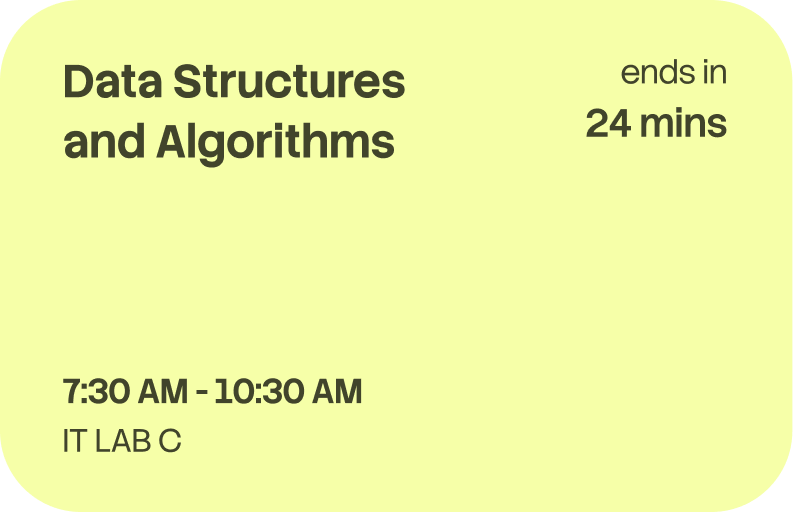
Your next class with a countdown
Tomorrow's classes in time order
Course times and rooms together
A class scheduleand student planner in one app
Schedule
Attendance
Tasks
Exams
Grades
Study Plan
Reminders
Widgets
Class alerts
Sharing
Offline
Import
Frequently asked questions
MySched class schedule and student planner
MySched is a student planner for college class schedules. It turns a schedule screenshot, PDF, pasted timetable, or school schedule into an organized weekly timetable. You can review each class before saving it, then keep the schedule close when you need to know what comes next.
What you can do with MySched
See today's classes, the next class, tomorrow's schedule, and the full week.
Track attendance, assignments, exams, grades, GWA, tasks, and class reminders.
Use widgets and device features to see schedule information without opening the app.
Open the last saved schedule offline. Signing in is optional for the basic schedule workflow.
Export a copy of your timetable to Apple Calendar or subscribe to a calendar feed.
Choose a school's published schedule when MySched has one for your school.
Import and daily use
Start with the timetable you already have. A clear screenshot works well, but you can also paste text, select a PDF, choose an official school schedule, or enter classes manually. MySched reads the selected input and opens a review step so you can fix a course, room, instructor, day, or time before the timetable becomes your schedule. The saved result stays available without a connection. Sync for supported records needs an account and a connection, while the local schedule remains available offline.
Help and privacy
Read the MySched help documentation for importing, sharing, permissions, accessibility, reminders, attendance, and troubleshooting. Read the Privacy Policy to understand how schedule data and optional AI reading are handled. Contact MySched support for product help, or request your school if its schedule is missing.
What MySched does not replace
MySched organizes the timetable you choose to use. It is not a school registrar, enrollment system, grade authority, or source of official academic records. Treat a schedule shared by another student as a copy and confirm important details with your school. A school-published timetable in MySched is still a timetable, not permission to enroll in a class. MySched does not silently change your saved schedule when you export it to a calendar. Calendar exports are copies, and later changes may require a new export. The app also does not need access to your entire photo library. When you choose an image for schedule reading, only the selected input is used. If you continue with improved reading, the selected image or pasted text is sent securely for that read. You can keep a local import result and review it before saving. These boundaries help students know what to trust, what to check with their school, and where to find the next answer.